

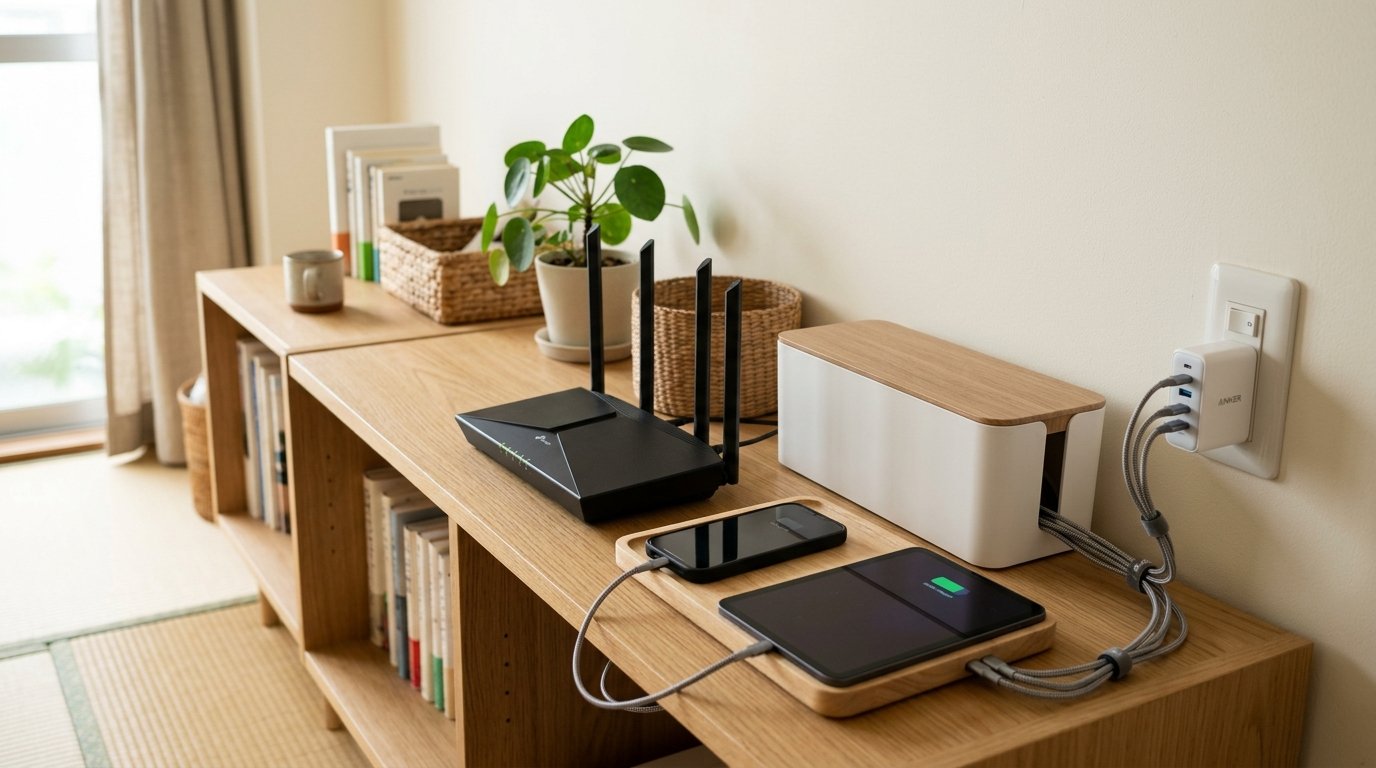
1. Optimizing Wi-Fi Router Placement
Router positioning impacts wireless connectivity. Placing your multi-band Wi-Fi router on a middle bookshelf shelf, away from metallic cabinets, supports clear signal paths across apartment rooms.
2. Decluttering Modems and ONU Units
Fiber optic modems and power adapters can look messy. Placing these units inside a vertical wooden modem storage case hides blinking lights and blocks dust buildup without blocking signal flow.
3. High-Power GaN Chargers and Multi-Device Ports
Using separate wall adapters for every phone blocks outlets. Employing a multi-port GaN charging block consolidates devices into one charging zone, protecting against power overload.
4. Cable Organizers and Drop Prevention
Charging cords easily slip off desks when unplugged. Sticking silicone magnetic reusable ties or self-adhesive cable organizer clips to desk edges keeps connector tips structured and ready.
5. Managing Signal Interference Around Appliances
Domestic electronics can disrupt signals. Keeping wireless routers away from microwave ovens prevents common 2.4GHz band signal drops during daily kitchen routines.
6. Sourcing Cable and Wireless Accessories
Wi-Fi routers, GaN chargers, and wooden router boxes are typically sourced at electronics retailers or Amazon Japan. Cable ties, adhesive clips, and small charging trays are available at 100-yen stores.
7. Connection to Desktop Workspace Networks
This network setup integrates with our Desk and Remote Work Setup Framework, organizing power strips, device stands, and desk lighting cables safely.
EDITORIAL NOTE & DRAFT STATUS
This article is an editorial framework and guide. In accordance with our editorial standards, links will be added after availability and editorial checks.